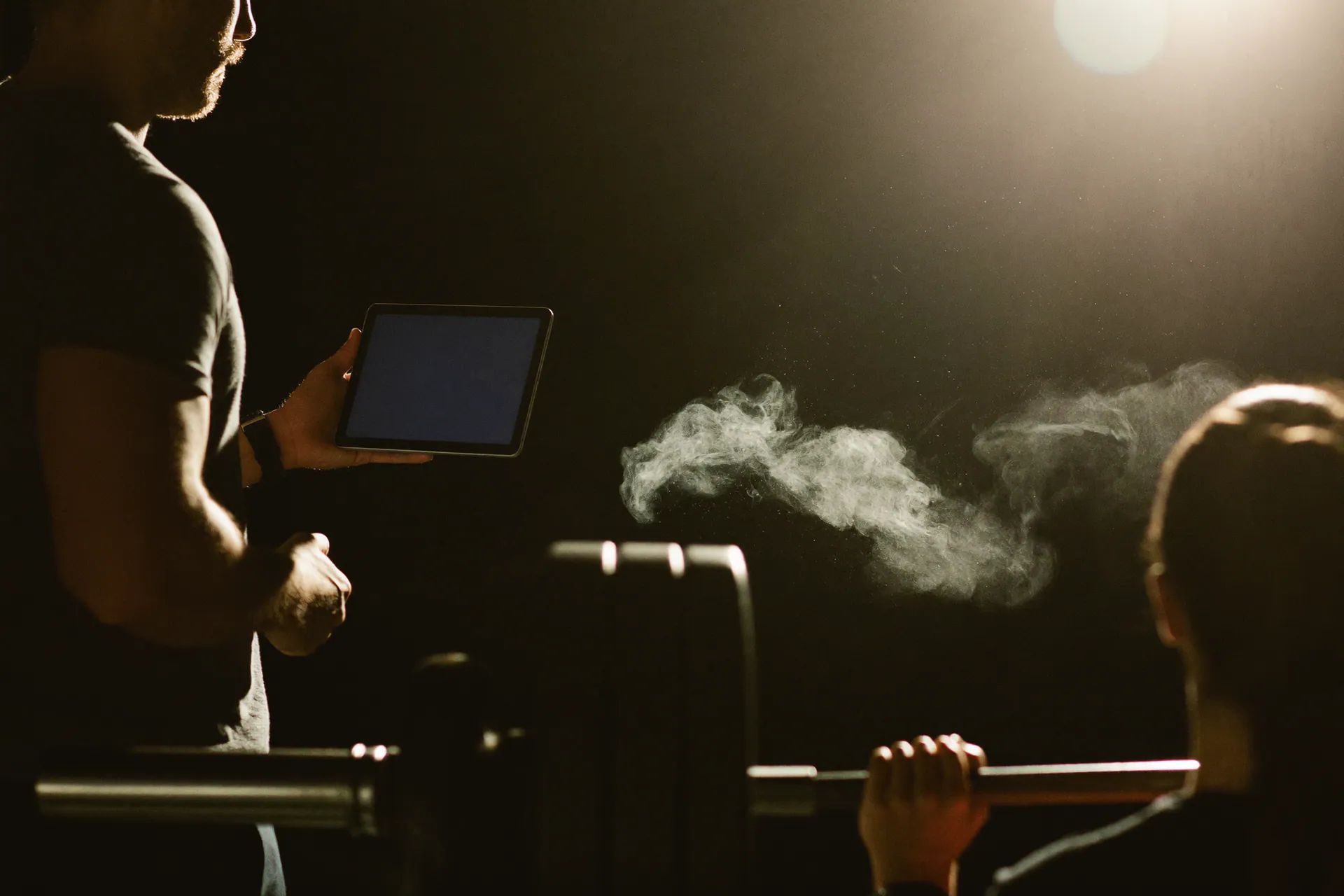
Programs that live in the gym
Templates, days, exercises from the library and Session Mode for floor execution.
Workout builder
Days, exercises and set/rep/load targets in a few clicks.
Session Mode
Full-screen interface to complete sets in the gym.
Shared library
Global and workspace exercises, localized per locale.
From library to session
Organize days and exercises, assign to clients and track sets, loads and RPE.
- Exercise library with translations
- Supersets, trisets, TUT and intensity methods
- Session Mode with rest timers
- Performance history and PRs
End-to-end training
Workout builder
Days, exercises and set/rep/load targets in a few clicks.
Session Mode
Full-screen interface to complete sets in the gym.
Shared library
Global and workspace exercises, localized per locale.
Questions about training.
Programs, execution and progress, explained.
How do I build a program?
In the builder: pick exercises from the library, set sets, reps, loads and rest, then assign the program to the member.
What is Session Mode?
The execution mode inside the app: one set at a time, a rest timer, and load and RPE recorded while the member trains.
Can I see progress over time?
Yes. Loads, volumes and one-rep maxes stay in the member's history and can be compared between periods.
Can I use my own exercises?
Yes. The library extends with the club's own exercises, complete with notes and visual references.
Ready to take command?
Start the 14-day trial. No card, no strings.
Cancel anytime · Your data stays yours